The stamp card that never ends up in a drawer again.
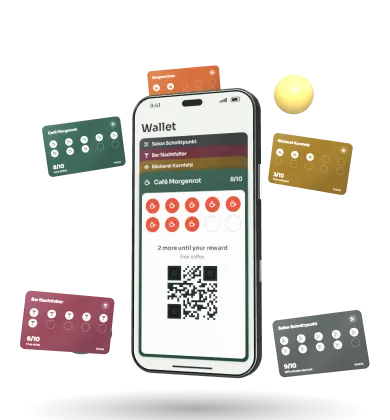
Thekla puts your shop's loyalty card in your guests' phone wallet. One scan at the counter, and it's there.
- In Apple Wallet and Google Wallet, no app needed
- Pickup call instead of a buzzer, right on the lock screen
- We set everything up with you in your shop
- Servers in Germany
- No app for guests
- Set up on site
- Pickup call instead of a buzzer
Three jobs that used to need three different things.
A paper card, a buzzer and a notice on the door. Thekla does it all with a single QR code at the counter.
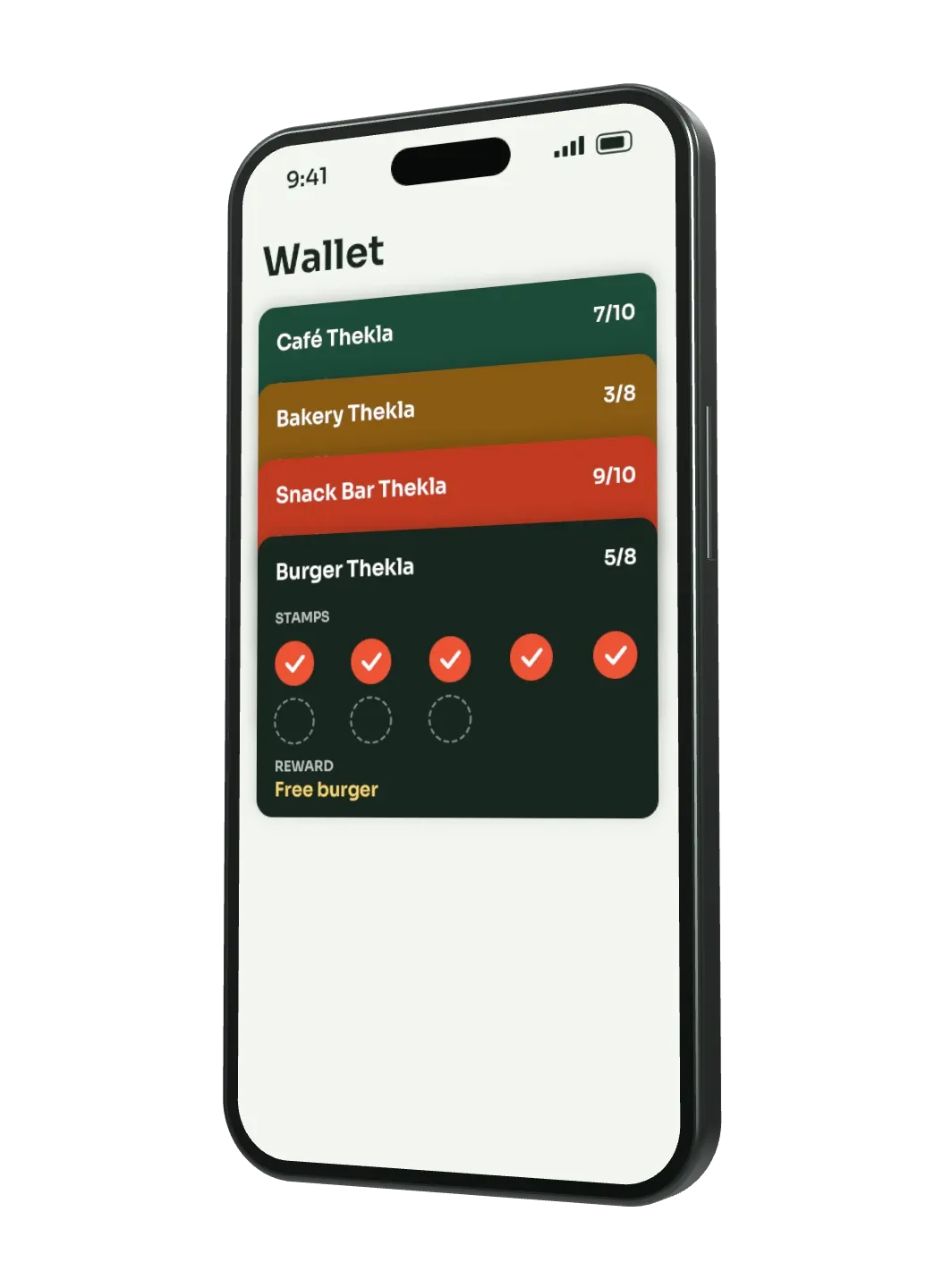
Before: Paper card
Card in the wallet
Lives on the phone your guest carries anyway.
Learn more: Card in the wallet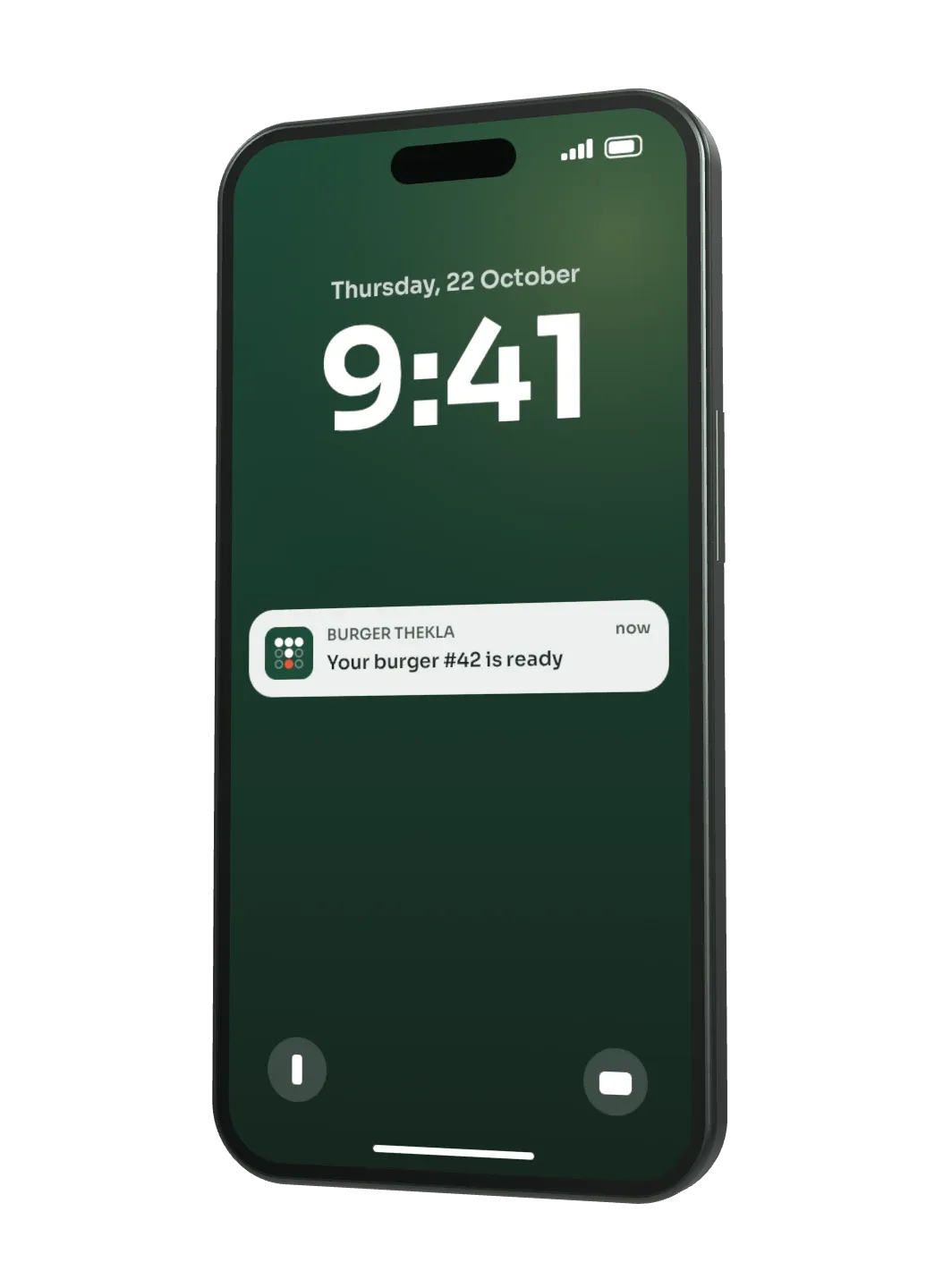
Before: Buzzer
Pickup call on the lock screen
Your team taps "Ready" and your guest's phone lights up.
Learn more: Pickup call on the lock screen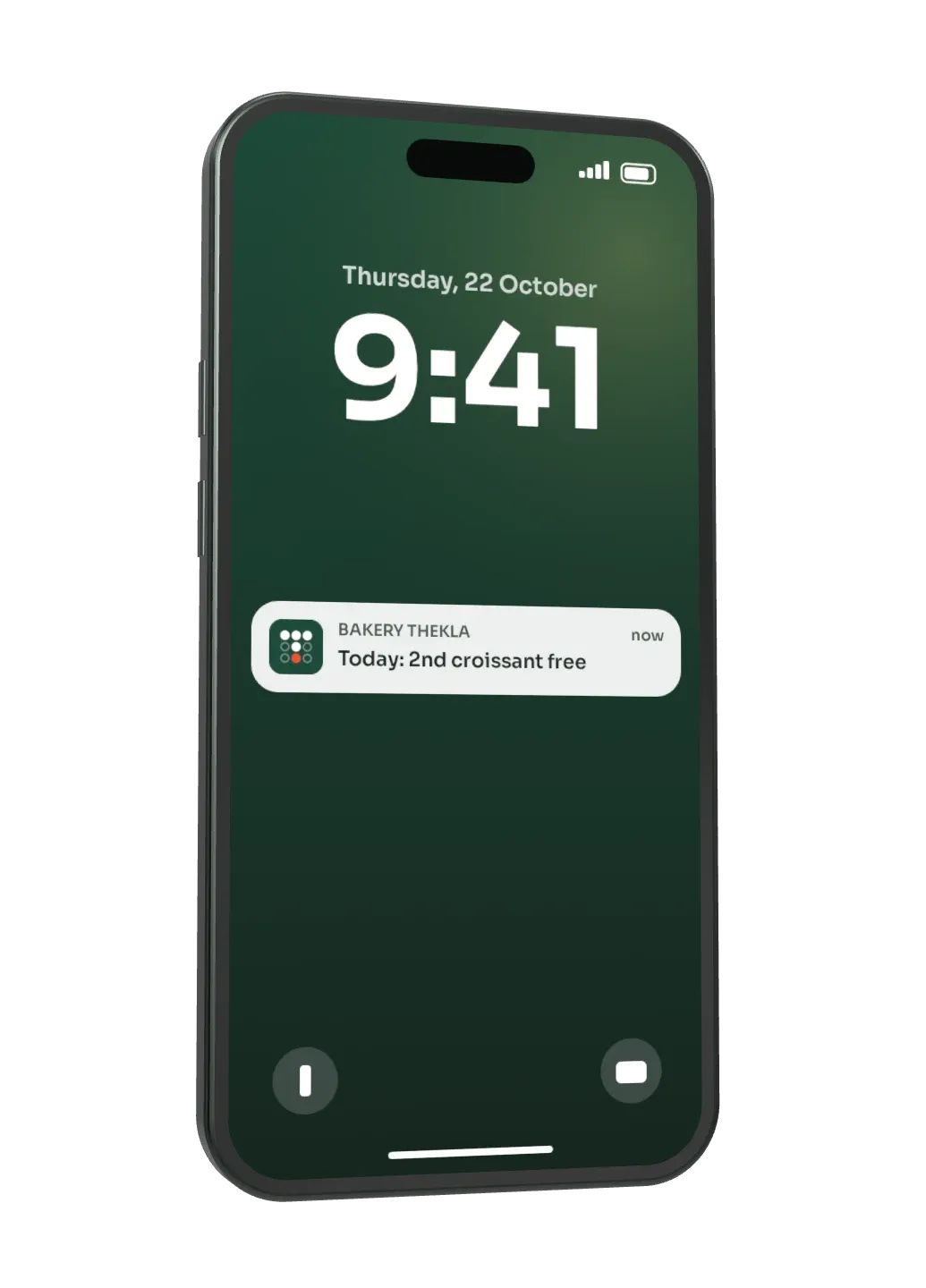
Before: Notice on the door
Offer on the lock screen
Reaches your regulars, even when they're not in the shop.
Learn more: Offer on the lock screen


How it works at your counter.
For your guests it takes a few seconds. For your team it's one more scan at the counter.
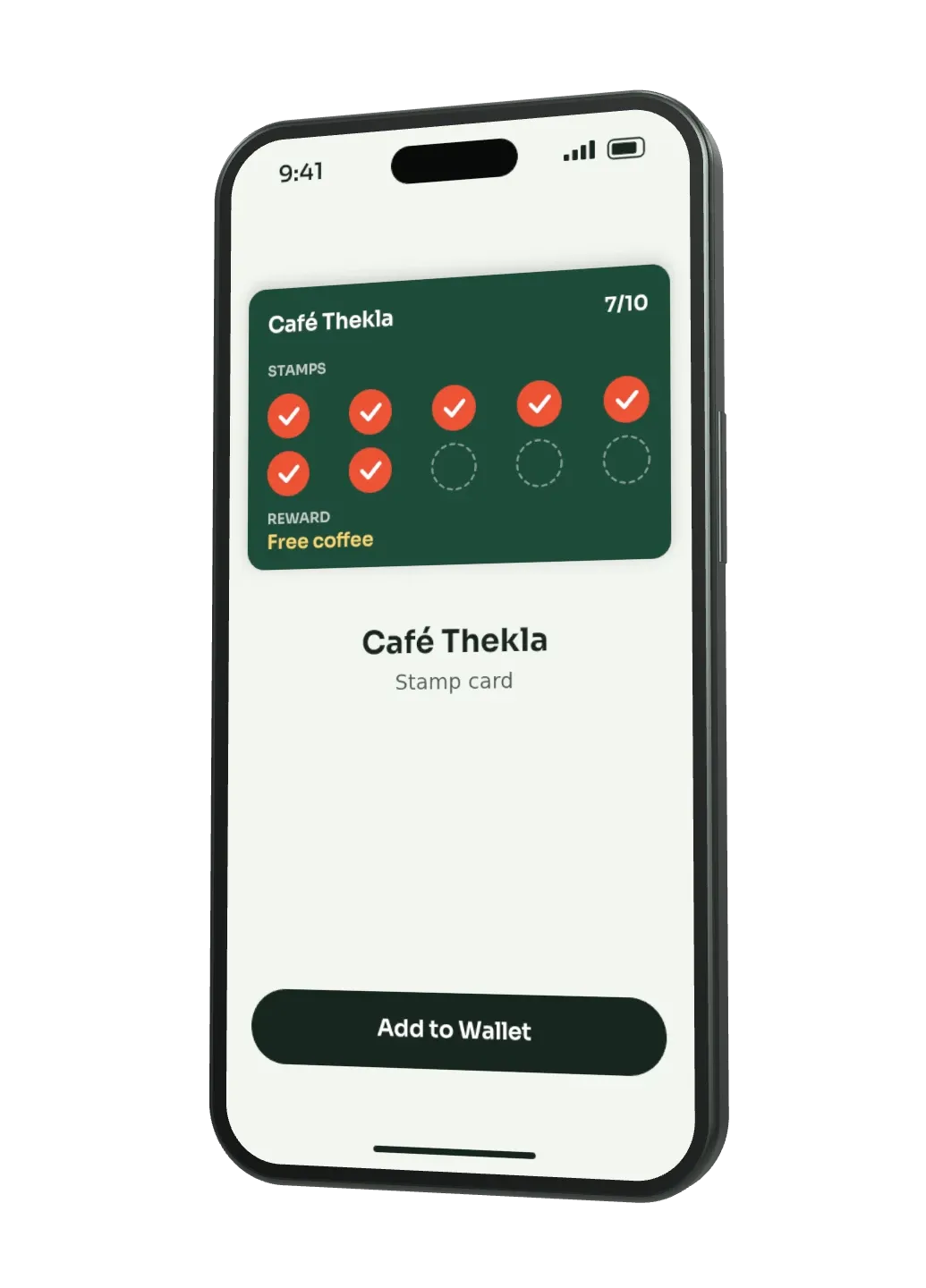
Scan
Your guest scans the QR code or taps the NFC sign at the counter and adds the card to their wallet with one tap.
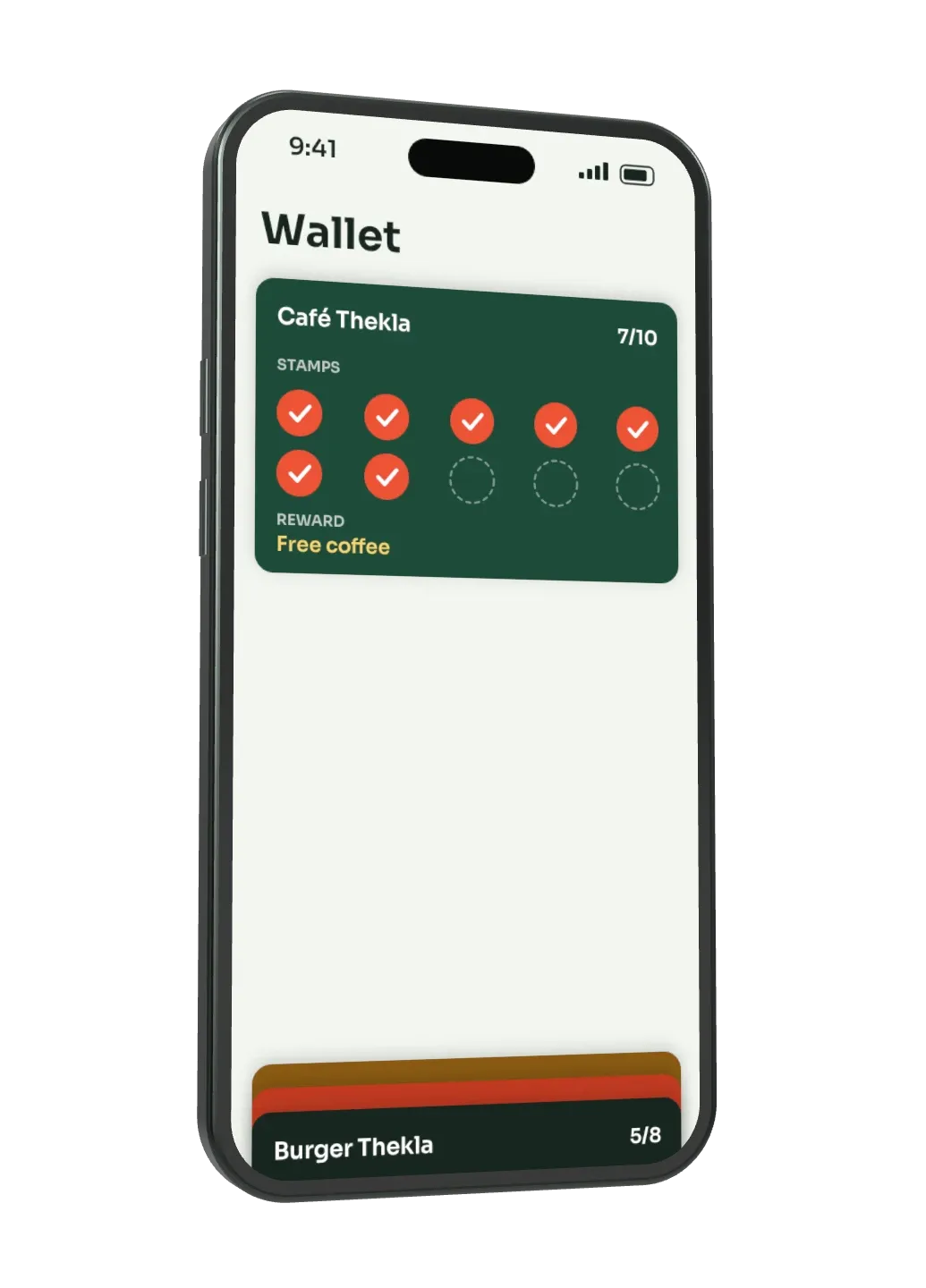
In the wallet
The card now sits next to boarding passes and cinema tickets. No app, no paper.
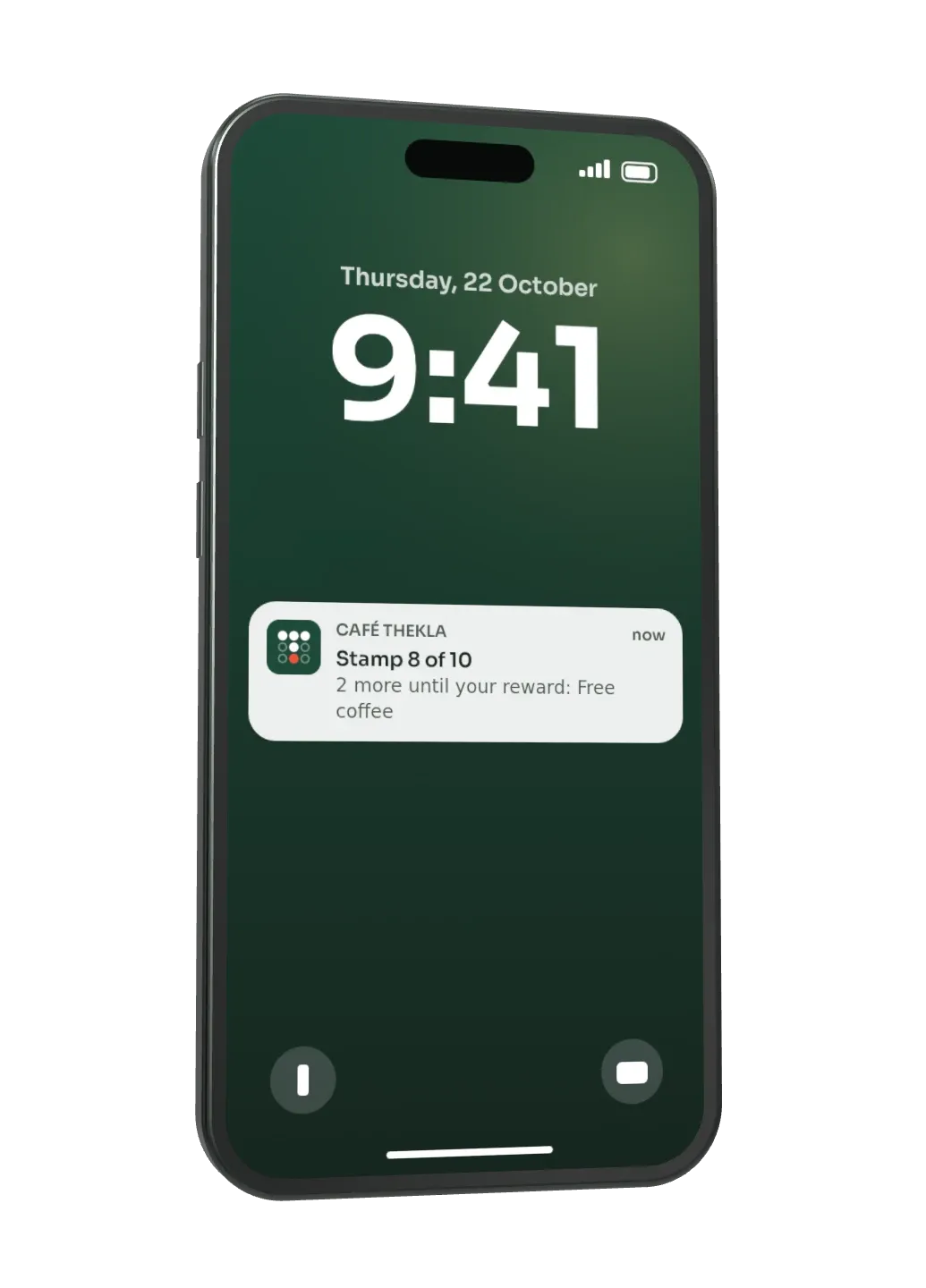
Stamp
Your team scans the card on every visit. The stamp appears instantly and shows up on the lock screen.
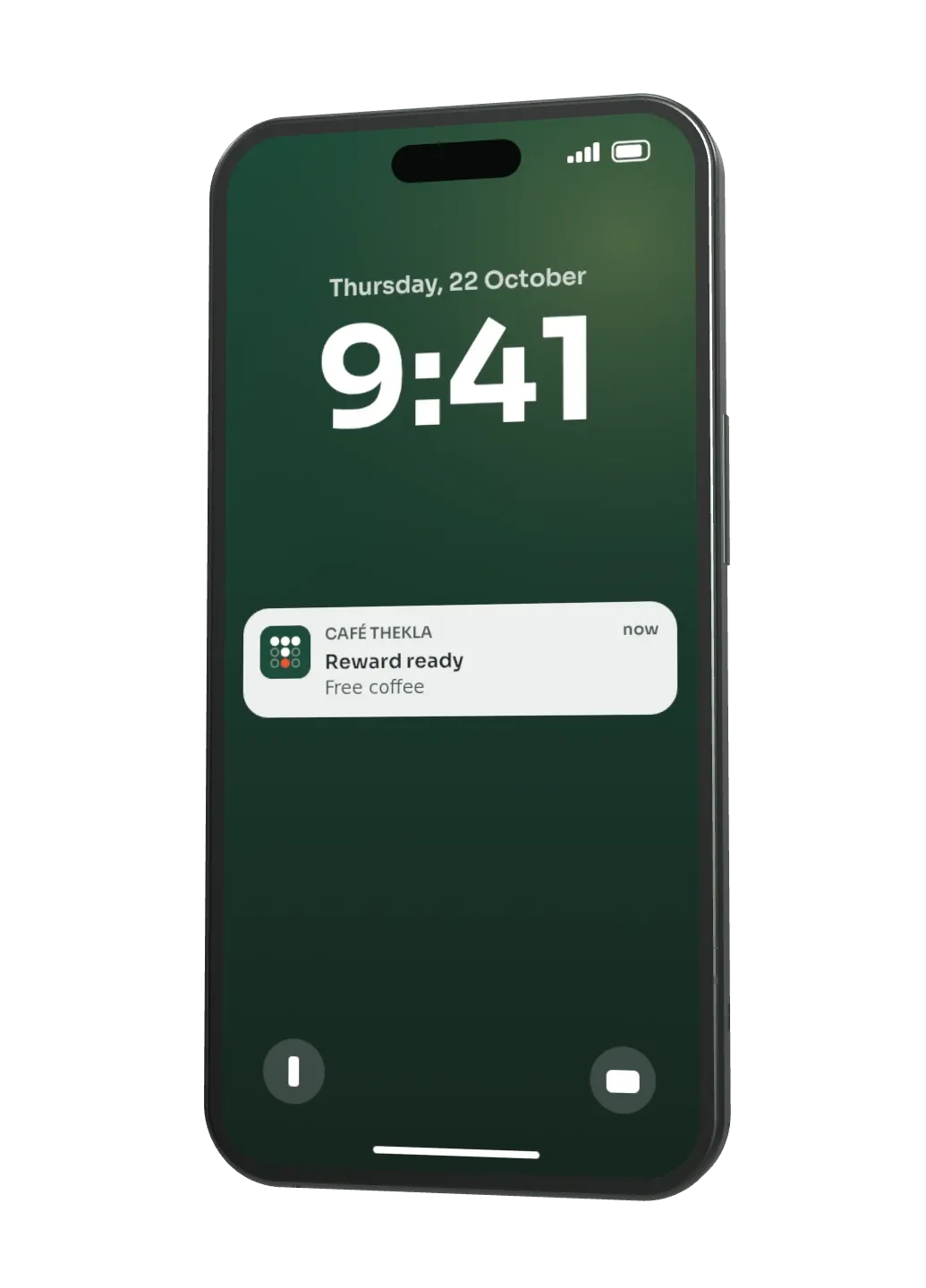
Reward
When the card is full, it lets your guest know. They come back and pick up their reward.


One more scan, just like taking a payment.
Try it yourself.
Set up your card in six short steps and see it on the phone right away. Then the staff phone scans and stamps until the card turns gold.
Create the card first, then give stamps.
This is how Thekla looks in your shop.
Request a demoYour first month is free. We’ll copy name, type of shop, colour and reward into the form. Your logo stays with you.
Made for counters, not corporations.
Tenth coffee, bread roll bonus or burger number 42: you set the rule, Thekla takes care of the rest.
3 more until your reward
Free coffee
The tenth coffee is on the house, without a paper card in the wallet.
This is what the pickup call looks like
Your cappuccino is ready
Café Thekla
Two people who have waited at the counter often enough.
Thekla comes from Germany. We set up your card together with you and we're reachable when something goes wrong.
Oussama Berrouch
content, sales and legal
Bachir Nechad
technology and app
We're both based in Berlin.
Servers in Germany
The Thekla app runs on servers in Germany.
No tracking, no cookies
This website works without cookies and without tracking.
Set up in your shop
We set up your card together with you on site.
No app for guests
The card sits in Apple Wallet or Google Wallet, which is already on the phone.
Request your demo.
Sign up and we'll get in touch personally to show you Thekla for your shop. No obligation, you can unsubscribe at any time.
Your guest is nearby. Your shop appears on their lock screen.
You mark your shop on the map and write one sentence. When a guest with your card in their wallet walks by, their phone shows it on the lock screen. Silently, without an app and without you having to send anything.
Mark your shop
One pin on the map for each location.
Write a sentence
An offer, a reminder or just a hello. Change it whenever you like.
The phone does the rest
When your guest is nearby, their phone brings your card to the lock screen. The phone decides how close.
- iPhone and Android
- No sound, no app
- No cost per message
The message arrives where your guest is looking.
No buzzer that goes missing, no text message costs, no email in the spam folder. The card in the wallet shows up on the lock screen.
- Paper card
- No
- Buzzer
- No
- Text message
- Yes
- Wallet card
- Yes
- Paper card
- No
- Buzzer
- Yes, buzzer set
- Text message
- No
- Wallet card
- No, just a QR code
- Paper card
- No messages
- Buzzer
- None
- Text message
- Yes
- Wallet card
- None
- Paper card
- No
- Buzzer
- No
- Text message
- Yes
- Wallet card
- No
- Paper card
- Yes
- Buzzer
- Yes
- Text message
- No
- Wallet card
- No
On the counter. And on every table.
The chips go on the counter, the tables or the window, for guests in the shop.
Your logo, your name and your colours, on every chip.
Chips for counter and tables
Tap or scan the QR code, both work. With any current iPhone and Android phone.
In your design
Your logo and your colours on every chip.
Sent to you ready to use
We send you the chips in your design.
The chips are yours
They stay in your shop even if you cancel. There's nothing to send back.
Chips in action.
This is how they look on the counter and on the table.
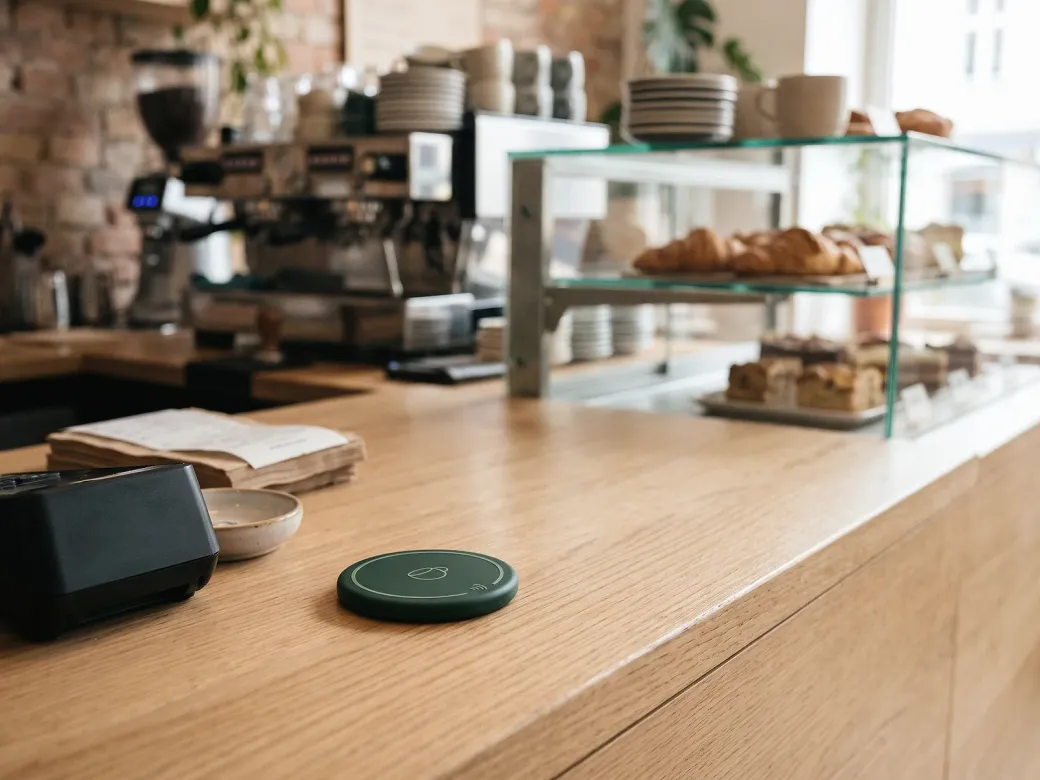
Chip on the counter
For everyone who walks in.
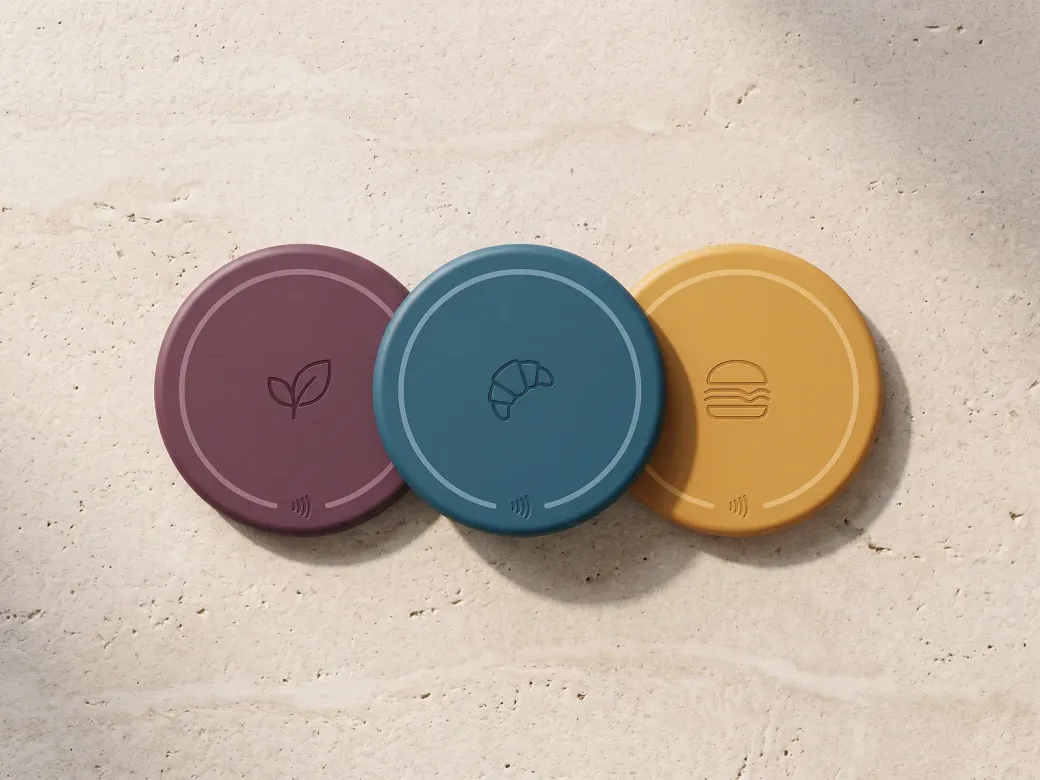
Your design on the chip
Any logo, any colour.
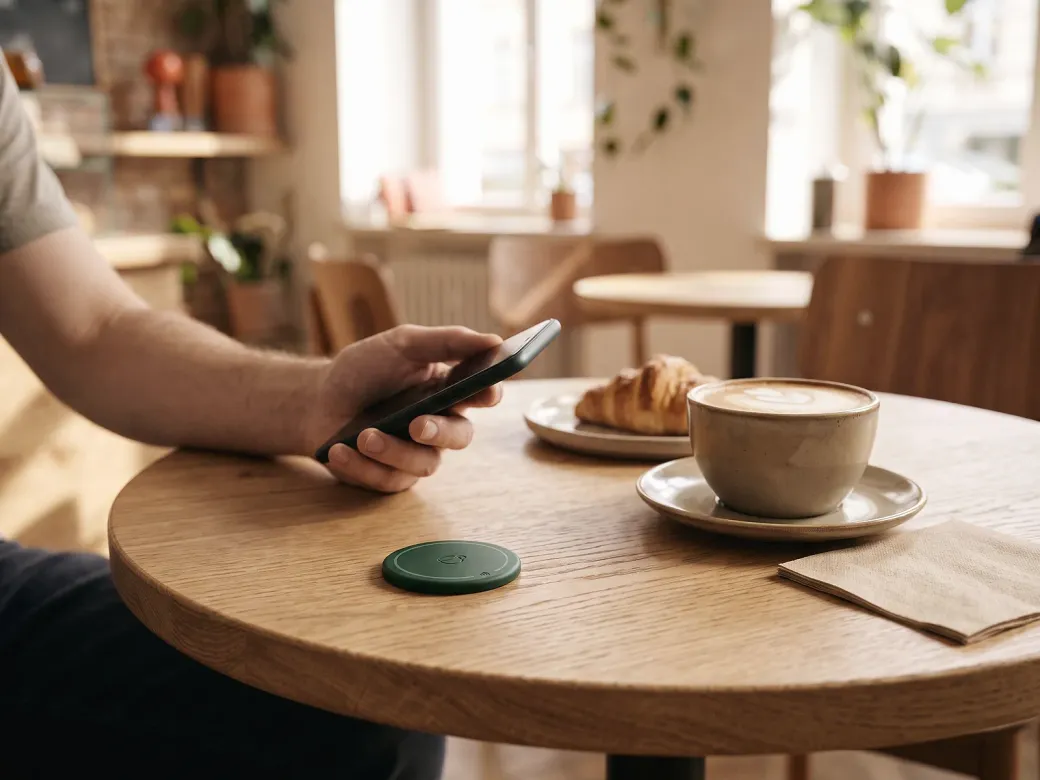
Chip on the table
Collect stamps without getting up.


Quick questions.
Do my guests need an app?
No. The card goes into Apple Wallet or Google Wallet, which is already on almost every smartphone.
Does it work with iPhone and Android?
Yes, with Apple Wallet on iPhone and Google Wallet on Android.
What does my team need at the counter?
A smartphone or tablet for scanning. No changes to your till system, no extra devices.
Where is the data stored?
The Thekla app runs on servers in Germany. Enquiries through the website are processed by our email provider Brevo in the EU.
What about guests who prefer the paper card?
You can keep it running alongside. Nobody has to switch.
Does my guest have to register?
No. One tap on "Add to wallet" is enough, no form.
Do you know shops that Thekla would suit?
Recommend Thekla and receive 20% of their payments in their first 12 months. Or resell Thekla at your own price.
Become a partner